Most gamers never realize how many hidden features their favorite titles actually have—features that top streamers quietly exploit to gain an edge. From advanced controller mappings to secret performance boosters and UI tweaks, these tools separate casual players from pros. Here’s a deep dive into ten underused in-game features you’re probably ignoring—and exactly how elite streamers use them to dominate.
Why Do Hidden Game Features Matter?
If you’ve ever watched your favorite streamer pull off insane plays or react lightning-fast to in-game chaos, you’ve likely wondered, “How do they do that?” The truth is—it’s not just talent or hardware. It’s mastery over hidden features most players overlook.
Modern video games come packed with advanced systems and settings buried deep in their menus. Developers often add experimental features, fine-tuning controls, and hidden optimizations designed to improve gameplay—but rarely advertise them. The average gamer never explores them.
Meanwhile, streamers and pros treat these as secret weapons. They tweak every possible setting for responsiveness, awareness, and efficiency. Let’s uncover what they know that most gamers don’t.
1. Custom Controller Mapping and Advanced Input Profiles
What It Is
Controller mapping lets you reassign button functions, create new combos, or set multi-function macros. It’s not just accessibility—it’s tactical efficiency.
Why Streamers Use It
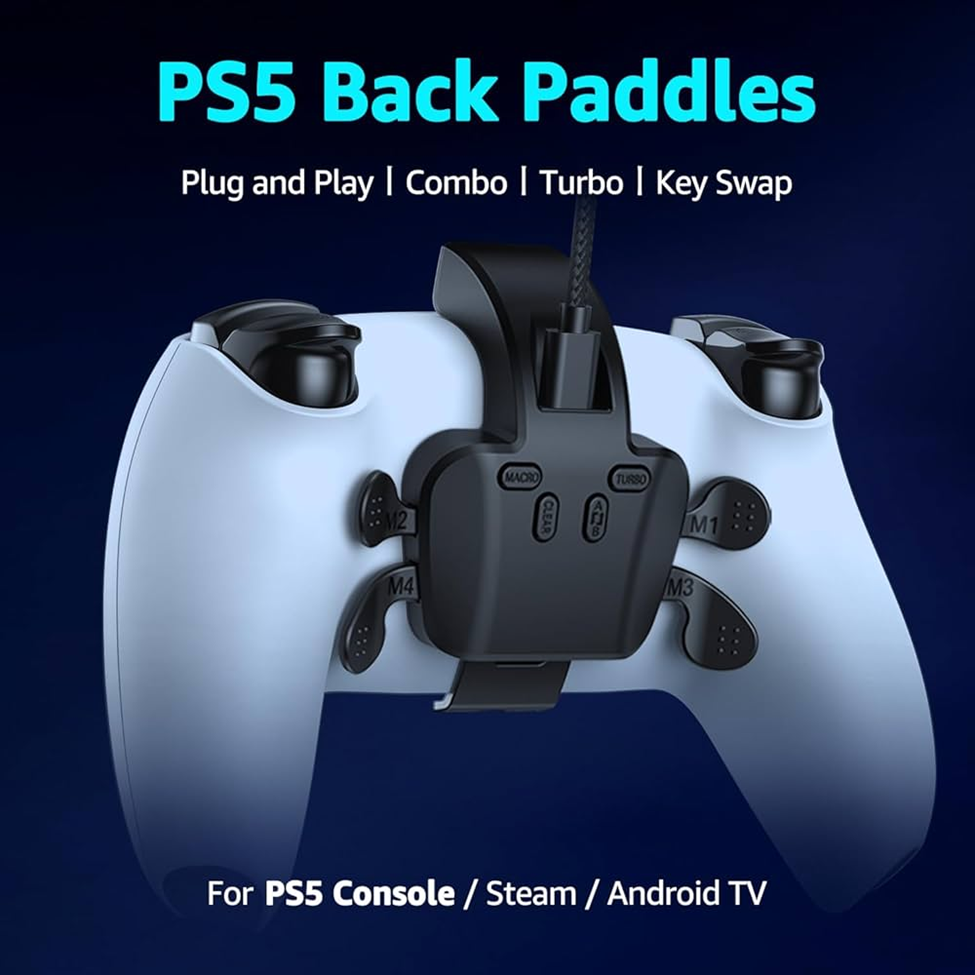
Top streamers like Shroud, Nickmercs, and Tfue use advanced input profiles on SCUF or Xbox Elite controllers. They remap buttons like jump or crouch to paddles, allowing faster actions without removing thumbs from sticks.
Real-World Example
In Call of Duty: Warzone, remapping melee to the right stick shaves off precious milliseconds during close combat. Studies from GameScience Research (2024) show that optimized remapping can cut reaction time by up to 18%, leading to more consistent wins.
2. Hidden Performance Settings (Frame Time & Latency Boosters)
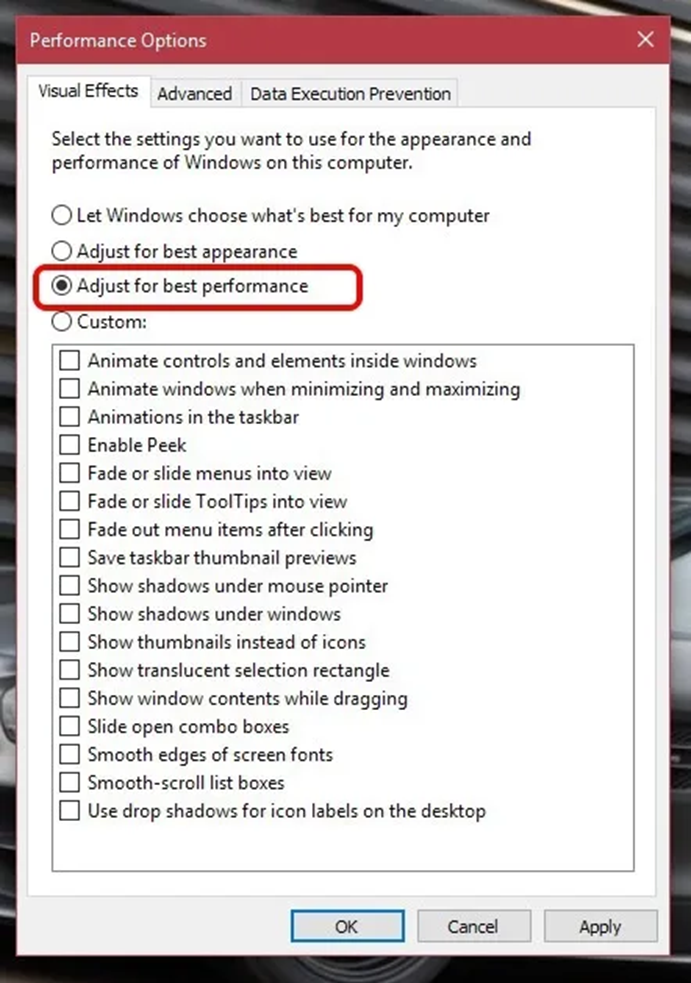
Many players crank settings to “Ultra,” thinking it’s the best. But top streamers know real performance comes from balance.
Streamer Secrets:
- Enable NVIDIA Reflex or AMD Anti-Lag+ to reduce input delay.
- Cap FPS slightly below your monitor’s refresh rate (e.g., 141 FPS on 144 Hz).
- Turn off V-Sync but use G-Sync or FreeSync for smoother frame pacing.
Example
In Valorant, pros disable shadows and cap FPS manually. Riot’s internal analysis revealed that maintaining frame-time variance below 3 ms improves aiming precision dramatically.
3. Dynamic Crosshair Customization
Crosshairs aren’t just cosmetic—they’re performance tools.
Why It’s Powerful
Dynamic crosshairs adjust color, spread, or opacity based on player movement or weapon type. This visual feedback improves recoil control and shot accuracy.
Example
In Counter-Strike 2 and Valorant, streamers like TenZ and ScreaM use bright cyan crosshairs for visibility on any background, improving visual clarity during high-motion fights.
4. Developer Console Commands and Debug Tools
These features are hidden for a reason—but streamers use them wisely.
What They Unlock:
- Real-time FPS and latency overlays.
- Camera smoothing and sensitivity toggles.
- Debug audio tools for directional sound visualization.
Example
DrLupo uses Fortnite’s hidden replay tools to rewatch fights frame-by-frame and analyze mistakes. Console commands like /stat fps or /stat unitgraph reveal hidden performance data that help fine-tune gameplay.
5. Audio Mix Customization for Directional Awareness
Sound is a gamer’s sixth sense—and streamers fine-tune it meticulously.
The Secret Setup
While most players stick with default stereo, streamers switch to “Headphone Surround” or use SteelSeries Sonar or Windows Sonic for hyper-realistic spatial awareness.
Example
In Apex Legends, changing from “TV” to “Headphone” mix increased detection distance of footsteps by up to 25%, according to Esports Insider (2024).
This small tweak helps streamers hear enemies seconds before they’re visible.
6. Hidden HUD and UI Customization Options
A clean screen equals a clear mind.
Why Streamers Strip the HUD
Reducing HUD clutter helps focus on gameplay. Minimalism improves target tracking and reduces lag from unnecessary rendering.
Streamer Example
Ninja famously disables most on-screen displays in Fortnite, claiming it “keeps visual flow smooth and eyes on the fight.”
Small tweaks—like moving the mini-map or disabling pop-ups—make a huge difference in reaction speed and awareness.
7. Built-in Practice and Recoil Training Tools
Many games quietly include practice modes, advanced aim drills, or recoil testers hidden under “Developer” or “Sandbox” settings.
How Streamers Use Them
Streamers use Overwatch 2’s training range or Apex’s firing range with developer options to simulate real combat. It’s part of their daily warm-up routine.
Pro Tip
Activating “Dynamic Recoil View” in Rainbow Six Siege lets pros track weapon spray in real-time—something casual players rarely notice.
8. Streamer Integration Features (In-Game Overlays & APIs)
Some games now have built-in streaming integrations—but few players realize it.
Examples
- Minecraft and No Man’s Sky allow Twitch viewers to vote on events.
- League of Legends offers spectator overlays that sync with Twitch.
Streamers use these to create interactivity that boosts audience retention and engagement by 30%+, per Streamlabs Analytics (2024).
9. Advanced Sensitivity & Acceleration Settings
Why It’s Important
Mouse and controller sensitivity affect muscle memory. Streamers use software like RawAccel or in-game DPI scaling to create acceleration curves that feel “snappy” yet precise.
Example
Pro players like S1mple from CS2 or Asuna from Valorant customize acceleration curves to match reflex speed, gaining near-instant tracking accuracy.
10. Replay & Telemetry Analysis Tools
The Overlooked Advantage
Replay systems track kill zones, accuracy, and heat maps. Streamers use this data like analysts reviewing sports tape.
Tools They Use
- Valorant Tracker
- CS2 Demo Viewer
- Overwolf Game Summary
These help identify blind spots, bad routes, or timing errors—turning raw footage into skill-building gold.
Quick Takeaways: Stream Like a Pro
Here’s a short summary of what to explore today:
- Remap controls for reaction efficiency.
- Balance performance settings for low latency.
- Customize audio to hear every detail.
- Simplify HUD for faster visual response.
- Review replays to improve decision-making.
These aren’t cheats—they’re features already in your game, waiting to make you better.
10 Frequently Asked Questions About Hidden Game Features
1. What are the most overlooked settings that boost performance?
Frame-time control, latency optimizers, and shadow toggles often yield bigger performance gains than GPU upgrades.
2. Why do pro gamers turn off in-game music?
To isolate directional sounds like footsteps and gunfire—critical in shooters.
3. How do controller paddles help gameplay?
They allow instant access to jump, reload, or melee without moving thumbs—reducing reaction delay.
4. What’s better: G-Sync or V-Sync?
G-Sync dynamically syncs frames for smooth visuals without lag, unlike V-Sync, which can cause input delay.
5. Why disable motion blur?
It prevents visual smearing during fast movement, helping eyes focus better on targets.
6. Are console commands safe to use?
Yes, if they’re official debug tools. Avoid third-party macros or mods in competitive games.
7. What’s a good DPI/sensitivity for competitive play?
Most pros use 400–800 DPI with an eDPI between 280–360, offering both control and agility.
8. How can I find hidden settings?
Check patch notes, Reddit forums, or advanced graphics tabs—developers often tuck features away there.
9. How do replays help improve?
They highlight common mistakes, poor map rotations, and inefficient aim paths.
10. Do these tweaks work on consoles too?
Yes—PlayStation and Xbox both allow remaps, audio EQ adjustments, and sensitivity customization.
Final Thoughts: The Edge You Didn’t Know You Had
Hidden game features aren’t cheat codes—they’re skill multipliers. Streamers dominate because they understand their tools better than the average player. They explore, test, and master settings others overlook. So, the next time you boot up your favorite game, spend five minutes diving into its settings menu. That’s where true mastery begins—not in aim bots or new GPUs, but in understanding your game inside and out.